
 03 August 2026
 Share
Share
1
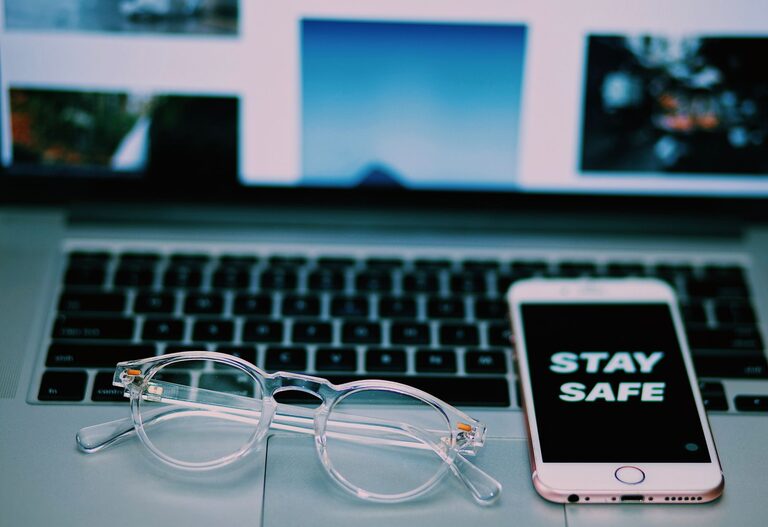
Keeping your phone and keyboard clean is essential for both hygiene and the longevity of your devices. Smartphones and keyboards accumulate dirt, oils, and germs throughout daily use, so regular cleaning is a good habit. However, using the wrong cleaning methods or harsh chemicals can damage delicate components. This guide will walk you through safe and effective ways to clean your phone and keyboard, helping you maintain your gadgets in top shape.
Phones and keyboards are among the most frequently touched items in our lives. Over time, they collect:
– Dust and dirt
– Finger oils and grease
– Food particles
– Bacteria and viruses
Cleaning helps reduce germs, prevent sticky or malfunctioning keys, and keep screens clear and easy to use. Proper cleaning also helps maintain the appearance and functionality of your devices.
Before you begin cleaning, keep these tips in mind:
– Power Off: Turn off your device and unplug keyboards or accessories. This reduces the risk of short circuits.
– Remove Cases and Covers: Take off phone cases and keyboard covers to clean all surfaces thoroughly.
– Use Gentle Materials: Avoid abrasive cloths or harsh chemicals that can scratch or damage surfaces.
– Avoid Excess Moisture: Never spray liquids directly onto your device; dampen cloths instead.
– Check Manufacturer Recommendations: Some manufacturers provide specific cleaning instructions; always consider them.
Phones have sensitive screens and ports. Here’s a step-by-step approach to clean your phone:
– Microfiber cloth (lint-free)
– Distilled water
– Isopropyl alcohol (70% or less)
– Cotton swabs
– Soft-bristled brush or old toothbrush (optional)
– Avoid bleach or window cleaners.
– Never spray cleaning solutions directly onto your phone.
– For oilier screens, you can use screen-safe cleaning wipes designed for electronics.
Keyboards especially collect dirt between and under keys. Cleaning helps remove germs and improves functionality.
– Microfiber cloth
– Compressed air can or small handheld vacuum
– Isopropyl alcohol (70%)
– Cotton swabs
– Soft brush (optional)
– Mild dish soap and water (for deeper cleaning)
– Avoid soaking keyboards or letting liquid drip under keys.
– Regular cleaning prevents buildup of grime that can cause sticky keys.
– Mechanical keyboards generally tolerate cleaning better than laptop keyboards, which require more caution.
– Phone: Wipe down your phone daily or every few days, especially during flu season or illness.
– Keyboard: Clean your keyboard weekly or monthly, depending on usage and environment.
Regular cleaning of your phone and keyboard promotes hygiene and device longevity. Using gentle cleaning materials and following safe methods ensures that your gadgets stay in excellent condition without accidental damage. With these easy tips, you can keep your tech clean and ready for daily use.
